How to Program a Key to Your Car: A Step-by-Step Guide
In today's fast-paced world, convenience is critical, and automobiles have developed to fulfill the requirements of contemporary drivers. One of these benefits is the capability to program car keys. Whether you have actually lost your key, need an extra, or are simply updating to a wise key, comprehending how to program a key to your car is vital. This article will direct you through the procedure of programming keys for numerous vehicle types, the tools needed, and responses to frequently asked concerns.
Understanding Different Key Types
Before diving into the programming procedure, it's important to separate between numerous key types. Comprehending your car's key type will identify the programming process you need to follow.
| Key Type | Description |
|---|---|
| Conventional Key | An easy metal key without electronic elements. |
| Transponder Key | A key with a chip that interacts with the vehicle's immobilizer system. |
| Remote Key Fob | A key that consists of remote opening functions with buttons. |
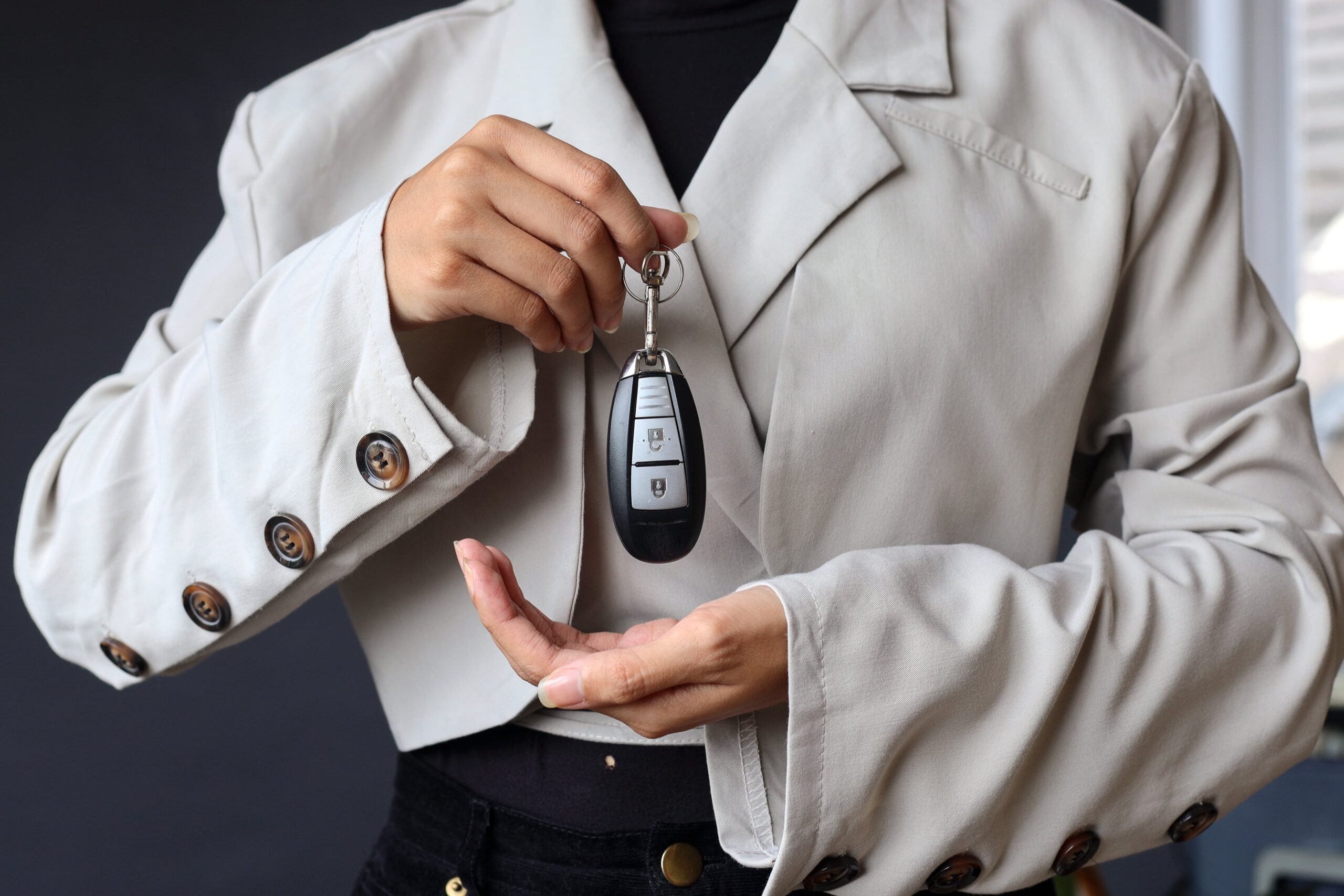
| Smart Key | A keyless entry system that enables you to unlock and start the vehicle without inserting a key. |
Tools and Supplies Needed
Before you begin programming your car key, collect the following tools:
- The New Key: Ensure you have the proper key for your vehicle.
- Owner's Manual: Always refer to your vehicle's manual for specific guidelines.
- Existing Key: If you have an existing key, it can simplify the programming process for some key types.
- OBD-II Scanner: For automobiles that require electronic reprogramming, an OBD-II scanner may be required.
- Screwdriver: In cases where you need to access the car's ignition or fuse.
Step-by-Step Process to Program a Key
For Traditional Keys
- Insert and Turn the Key: Insert the standard key into the ignition and turn it. Do not begin the car; simply turn it to the "On" position.
- Await the Dashboard Lights: Observe the dashboard lights for a few seconds (usually for about 10 seconds).
- Shut off the Key: After the lights stop blinking, turn the key back to the "Off" position.
- Repeat Steps: Perform actions 1-3 approximately about 3 times. On the final cycle, leave the key in the "On" position.
- Add New Key: Insert your new key, and turn it to the "On" position. The system ought to acknowledge the brand-new key, and the programming is complete.
For Transponder Keys
- Use an Existing Key: Begin with an existing, practical transponder key.
- Cycle the Key: Insert the existing key into the ignition, turn it to the "On" position, and then back to "Off."
- Get rid of the Key: After shutting off, remove the existing key.
- Place the New Key: Quickly insert the brand-new transponder key into the ignition and turn to the "On" position. Wait on the security light to turn off.
- Switch off the Key: After a couple of minutes, turn the key back to the "Off" position.
For Remote Key Fobs
- Enter the Vehicle: Close all doors and ensure all windows are closed.
- Place and Turn the Key: Insert your existing key into the ignition and turn to "On."
- Press Lock on Remote: While the key is in the "On" position, press and hold the lock button on the remote for a few seconds.
- Switch off the Key: Turn the ignition key to "Off" and then remove it.
- Check the Remote: Check to see if the remote works by pushing the lock/unlock button.
For Smart Keys
- Enter the Vehicle: All doors need to be closed.
- Insert the Smart Key: Insert the existing clever key into the start/stop button hold slot or the ignition, if applicable.
- Turn On the Ignition: Press the start button without pressing the brake pedal. This generally powers up the car without really starting the engine.
- Press the Program Button: Most wise keys featured a particular series or a button to press during programming. Describe the vehicle's manual for comprehensive directions.
- Follow On-Screen Instructions: If the vehicle's system displays prompts, follow those.
Frequently Asked Questions (FAQs)
Q1: Can I program any key to my car?
A1: No, you need to use a key particularly developed for your vehicle's make and model. Dexter Gryder might not have the needed programming abilities.
Q2: What if I lost all my keys?
A2: If you've lost all keys, think about contacting a professional locksmith or your vehicle's dealer for help. They can assist with key replacement and programming.
Q3: How long does it take to program a key?
A3: The programming process typically takes in between 10 to 30 minutes, depending upon the vehicle and key type.
Q4: What should I do if programming fails?
A4: This can occur for various reasons, such as a defective key or inaccurate treatment. Verify the programming actions. If problems persist, consult an expert.
Q5: Is it costly to program a car key?
A5: The cost might vary depending on the local market, the key type, and whether you check out a car dealership or a locksmith professional. Expect to pay in between ₤ 50 to ₤ 300 for key programming services.
Programming a key for your car can at first appear difficult, however comprehending the process can assist streamline it considerably. Whether you have a traditional key, transponder, remote key fob, or smart key, following the correct actions will ensure that you can gain back control over your vehicle. Constantly describe your vehicle's manual for particular directions regarding your automobile's make and design. If you encounter obstacles or are uncertain, do not think twice to contact an expert locksmith professional or your car dealership for help.